Get website stats by email
Keep up with your website without opening another dashboard. Plausible can send your stats every Monday, on the first day of each month, or both. The report is embedded directly in the email, with no login or attachments required.
To enable reports, open your website settings and go to Email reports. Choose weekly reports, monthly reports or both.
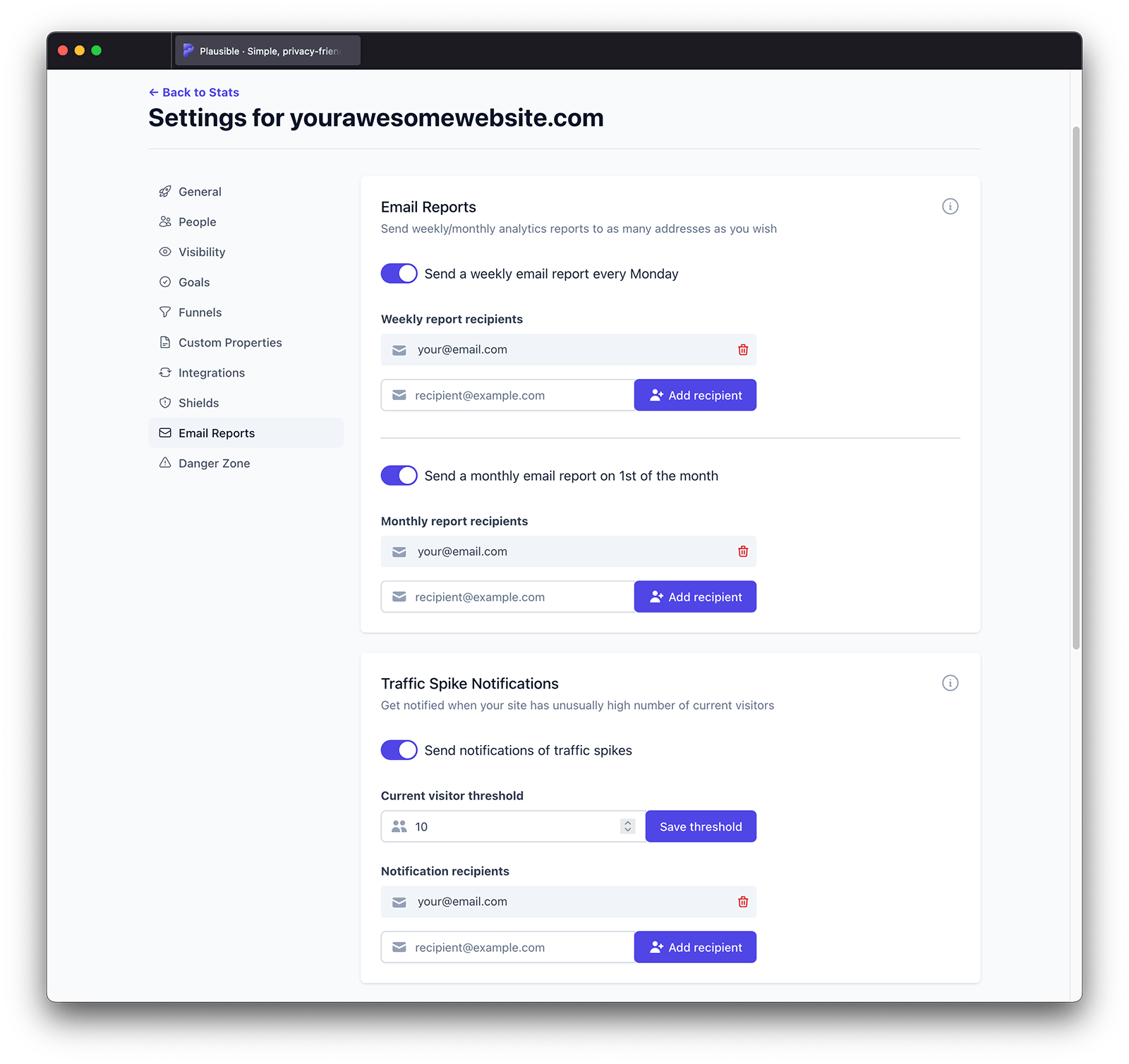
Set email reports to be sent to multiple recipients
Email reports can be set to be sent to multiple recipients. Enable the weekly and/or monthly report, add an individual recipient into the Report recipients field and click on the Add recipient button.
You can set the email reports to be sent to as many people as you want. Email report recipients do not count toward your team member limit. You can remove individual report recipients or completely stop the scheduled email reports at any time.
Want to hear when something changes between reports? Set up traffic spike or drop notifications to get an email when traffic crosses a threshold you choose.